Steps to silence the email for one product
1. Open the product in Alva
In the Alva Digital Downloads admin, click Products and open the product whose delivery email you want to silence. The product detail page is where every per-product setting (files, packs, license keys, email) lives.
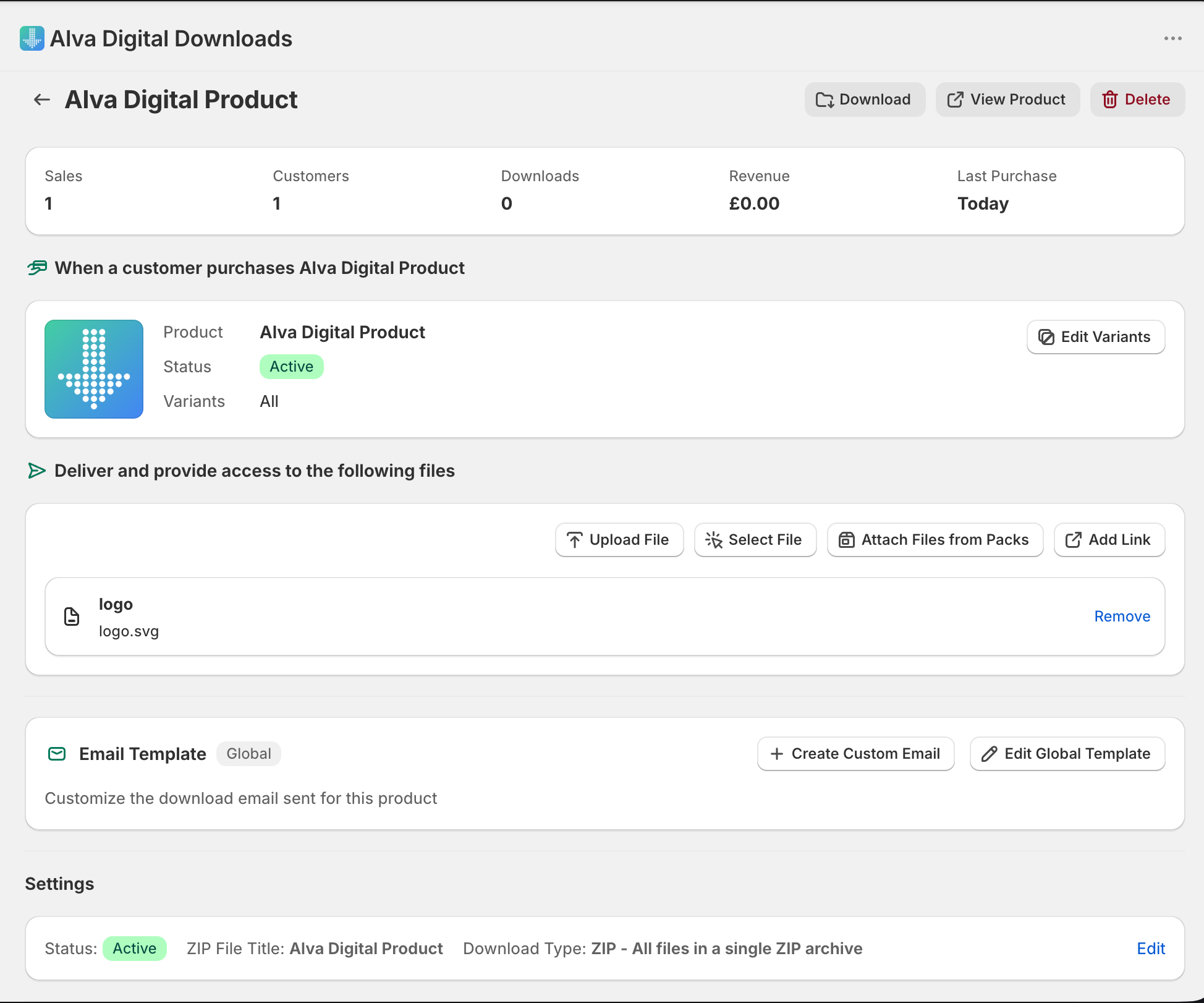
2. Switch the email override to Disabled
Open the Email tab and set the per-product email override to Disabled. This stops Alva from sending the delivery email for any future paid order whose only digital line item is this product.

3. Save the change
Click Save. From the next paid order onwards, Alva skips the delivery email for this product. No backfill — orders already placed are not affected.
See also
Was this helpful?
Last updated 2026-05-06