Steps to reset a customer's download limits
1. Open the order
From the Alva Digital Downloads admin, click Orders, then click the order whose customer hit the limit. Search by Shopify order number or customer email if you don't see it in the recent activity list.
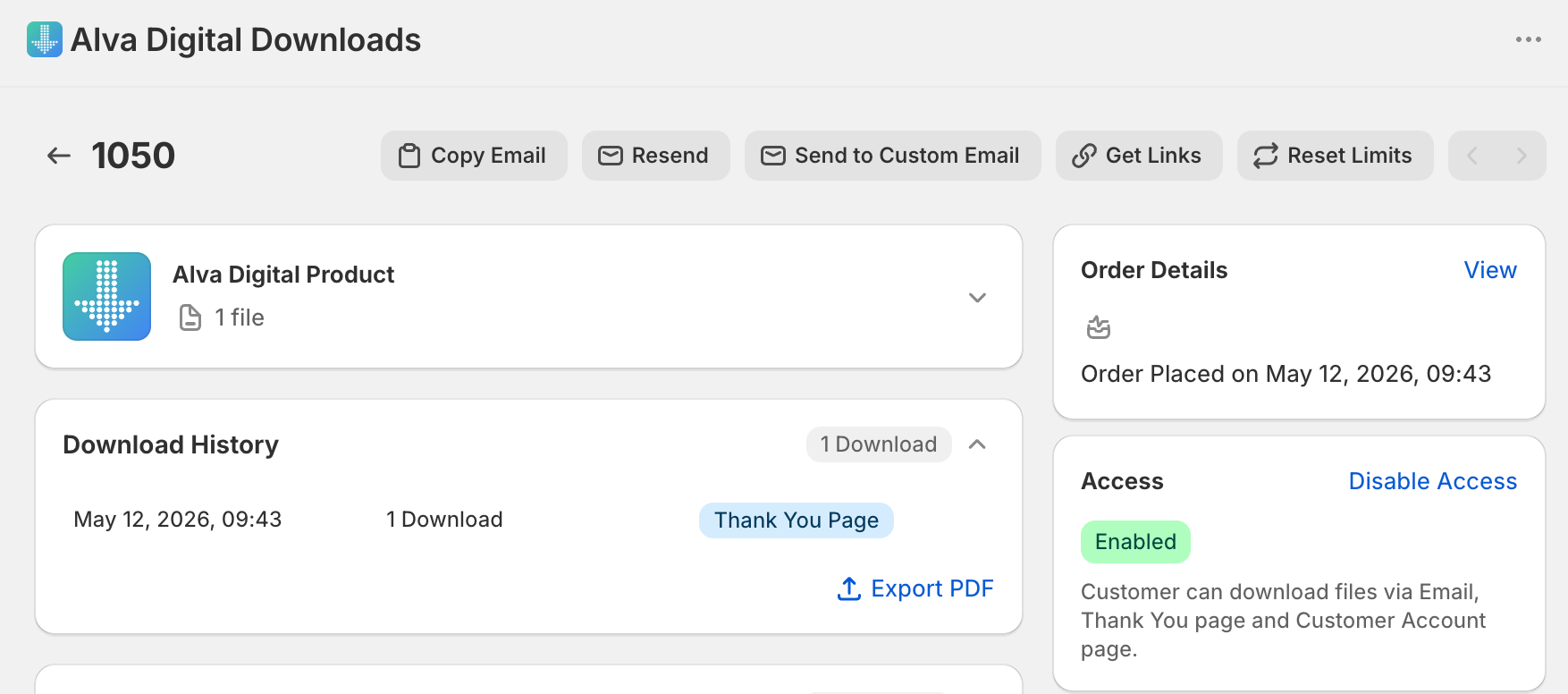
2. Click Reset download limits
In the page header action menu, click Reset download limits. Alva clears the download usage records for every file, pack, link, and license key attached to the order, so the customer's count returns to zero.
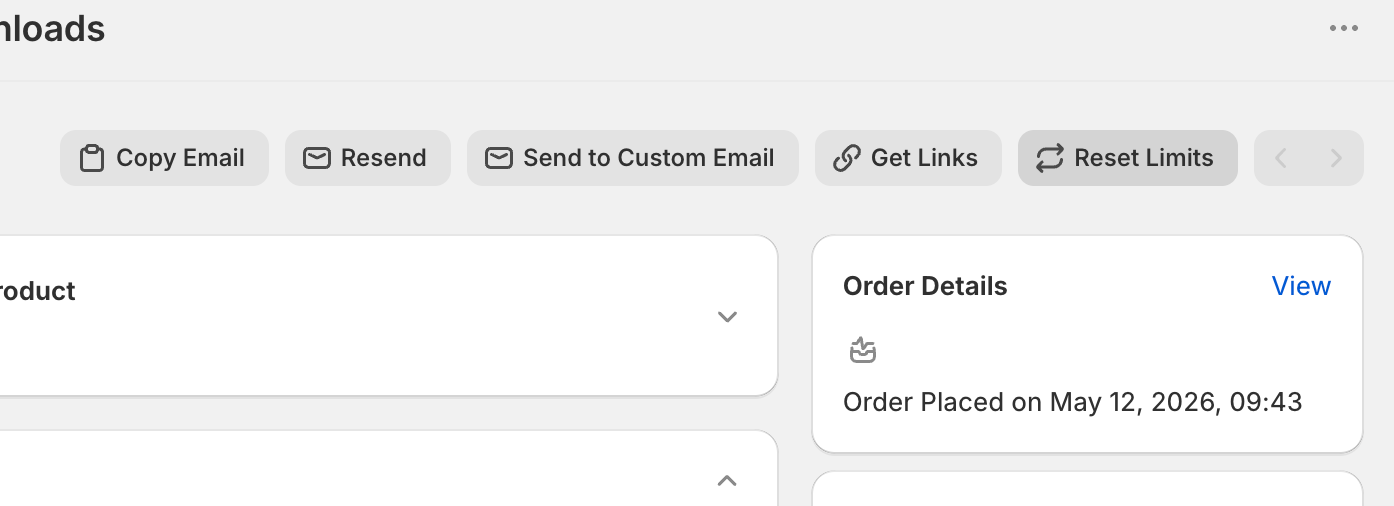
3. Resend the link or email
Once the toast confirms the reset, open the Downloads tab to copy a fresh link, or click Resend email to push the original delivery email back to the customer's address on file.
See also
Was this helpful?
Last updated 2026-05-06