What happens immediately on uninstall
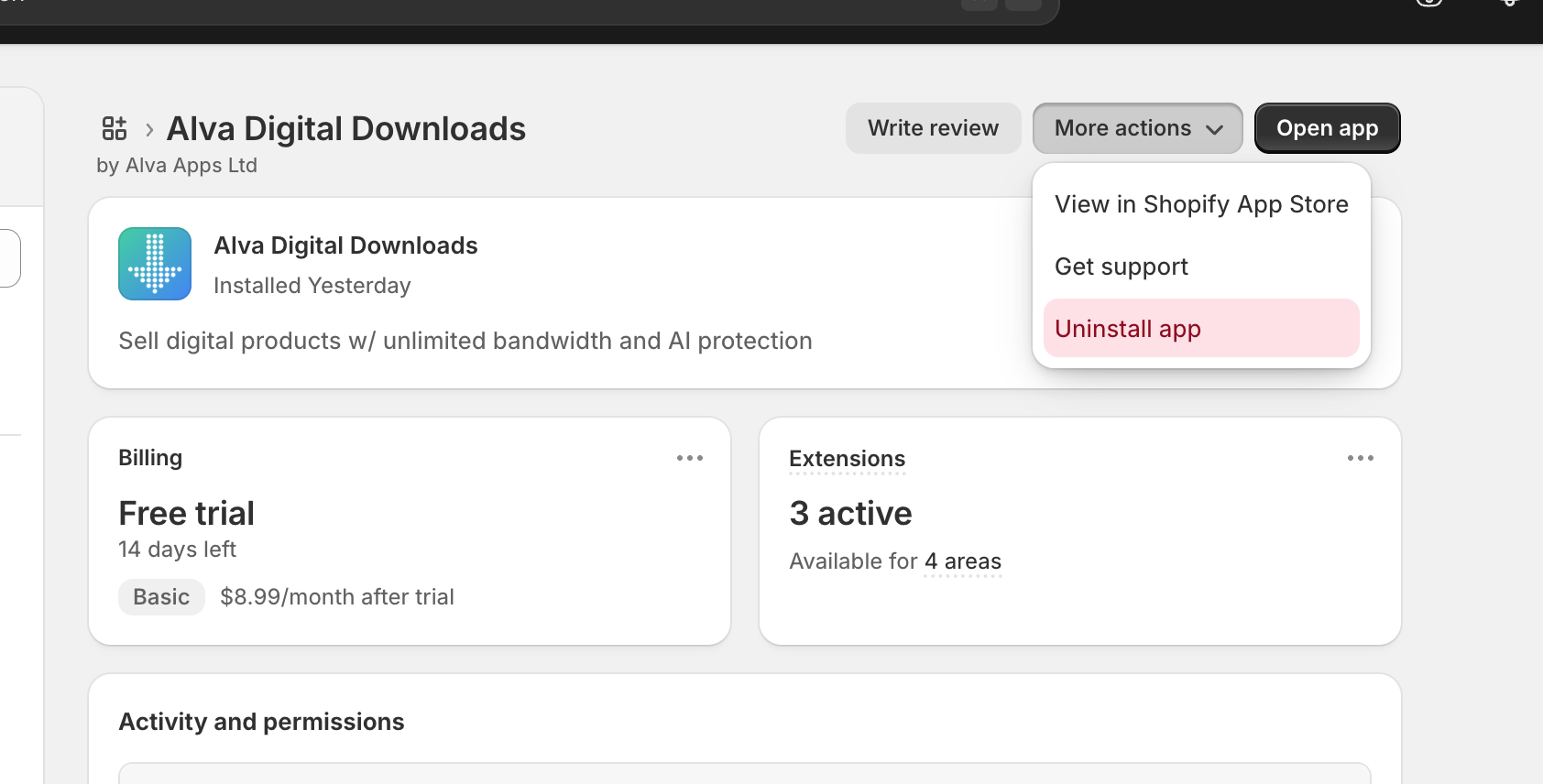
When you click Uninstall on the Shopify Apps page, Shopify immediately revokes the app's access and notifies Alva Digital Downloads. Alva processes the uninstall notification and removes every record tied to your shop, along with every file you uploaded. The sequence usually finishes inside a minute.
From the customer's side the change is instant: any URL on the /apps/alvadigitaldownloads/... Shopify app proxy stops resolving. Existing emails still contain those URLs, but clicking them now returns a 404 from Shopify rather than a download page.
What gets deleted
The honest answer is: everything, immediately. Uninstalling removes shop settings, files, customer records, purchase history, license keys, fraud-queue entries, email logs, download logs, ZIP cache, and every uploaded asset. There is no soft-delete, no archived backup, and no retention window. If you reinstall a week later, the new install starts from a completely empty state.
One exception: a minimal record containing only your shop name and contact email is kept so we can send a follow-up asking what went wrong. That record contains no customer data, no files, and no order detail.
What customers experience
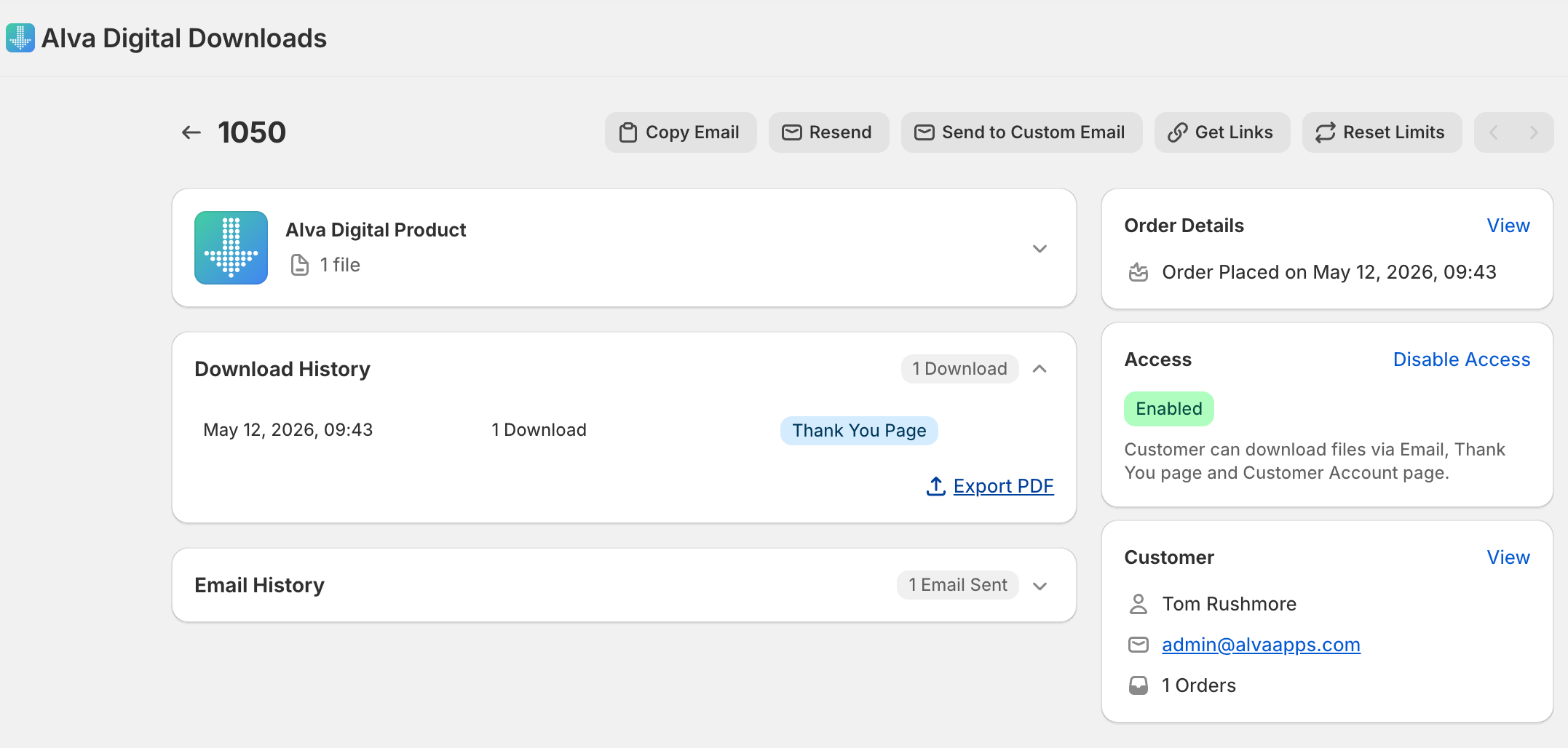
Customers who already downloaded their files keep them — files on a customer's device are theirs forever and aren't affected by uninstall. Customers who haven't yet downloaded, or who try an old email link, see a Shopify 404. The customer-account file list, the Order Status download button, and the thank-you page links all stop working at the same moment.
If you plan to keep selling digital products through another method, you'll need to re-deliver those files manually — Alva doesn't retain a list of who has and hasn't downloaded after uninstall.
Before you uninstall — best practices
- Export the download log to CSV. Open Settings → Download log in the Alva admin and export. The CSV is the only record of who downloaded what and when, and there's no way to recover it after uninstall.
- Notify recent customers. Anyone who bought in the last 30 days is most likely to come back for a re-download. Send a heads-up email so they can grab their files before the links stop working.
- Document any custom email-domain DNS records. If you set up a custom sender domain (Pro and Enterprise plans), copy the DKIM and Return-Path DNS values out of Settings → Custom email domain before uninstall. Reinstalling means redoing DKIM verification from scratch.
Frequently asked questions
Will I lose my uploaded files if I uninstall?
Yes. Every file you uploaded to Alva Digital Downloads is permanently deleted when you uninstall — there is no recovery window. Reinstalling later starts from an empty file library, so download a backup of any files you do not already have locally before you uninstall.
Will I be charged again if I reinstall later?
Reinstall is a fresh subscription. Shopify treats it as a new install, so the 14-day trial may or may not re-apply depending on Shopify's billing rules. Email digitaldownloads@alvaapps.com before you reinstall and we'll sort the trial out manually.
What about customer-account and Order Status access?
The customer-account file list, Order Status download button, and thank-you page links are served through the Shopify app proxy. Once Alva is uninstalled the proxy stops resolving and every surface returns a 404.
Do I need to notify Alva before I uninstall?
No. Shopify notifies Alva automatically and Alva tears down the data. We send a single follow-up email asking why, which you can reply to or ignore. Email digitaldownloads@alvaapps.com first if you want help cleaning up.
See also
Was this helpful?
Last updated 2026-05-06