How it works
Run both apps in parallel during cutover. Old customer download links keep working until the previous app is uninstalled — a safe window to verify mappings, run a test order, and import historical orders.
Path 1 — Sky Pilot
Sky Pilot stores files in its own bucket and exports order data through Shopify's standard CSV. Re-upload the source files you already have on disk.
- Export your order list. In Shopify, open Orders → Export and download the orders CSV for the date range you want to cover.
- Re-upload source files in Alva. Use Files → Upload with originals from your local machine — Sky Pilot's hosted copies are not portable.
- Map files to products. On each digital product, attach the matching file and run a self-purchase to verify delivery.
- Backfill historical orders. Feed the Shopify CSV into Orders → Import historical orders (see below) so past buyers can resend their links.
Alva Files page mid-migration. Show the Upload button and a list of 4-5 freshly uploaded files. No real customer data visible.
Path 2 — Filemonk
Filemonk hosts files inside its own admin. Pull each original locally before uninstalling.
- Download originals from Filemonk. Open each file and use the download icon to save a local copy. Keep filenames.
- Upload into Alva. Use Files → Upload, grouping related files into a Pack if Filemonk treated them as a multi-file product.
- Re-map products. Attach the same file or pack on the Alva product page, including variant-specific files.
- Backfill historical orders from a Shopify CSV (see below). Run a test purchase before uninstalling Filemonk.
Path 3 — SendOwl
SendOwl carries its own product catalog and license-code logic. Plan for an evening.
- Export from SendOwl. Use Reports → Order export for orders and download each product's source from Products → [product] → Files.
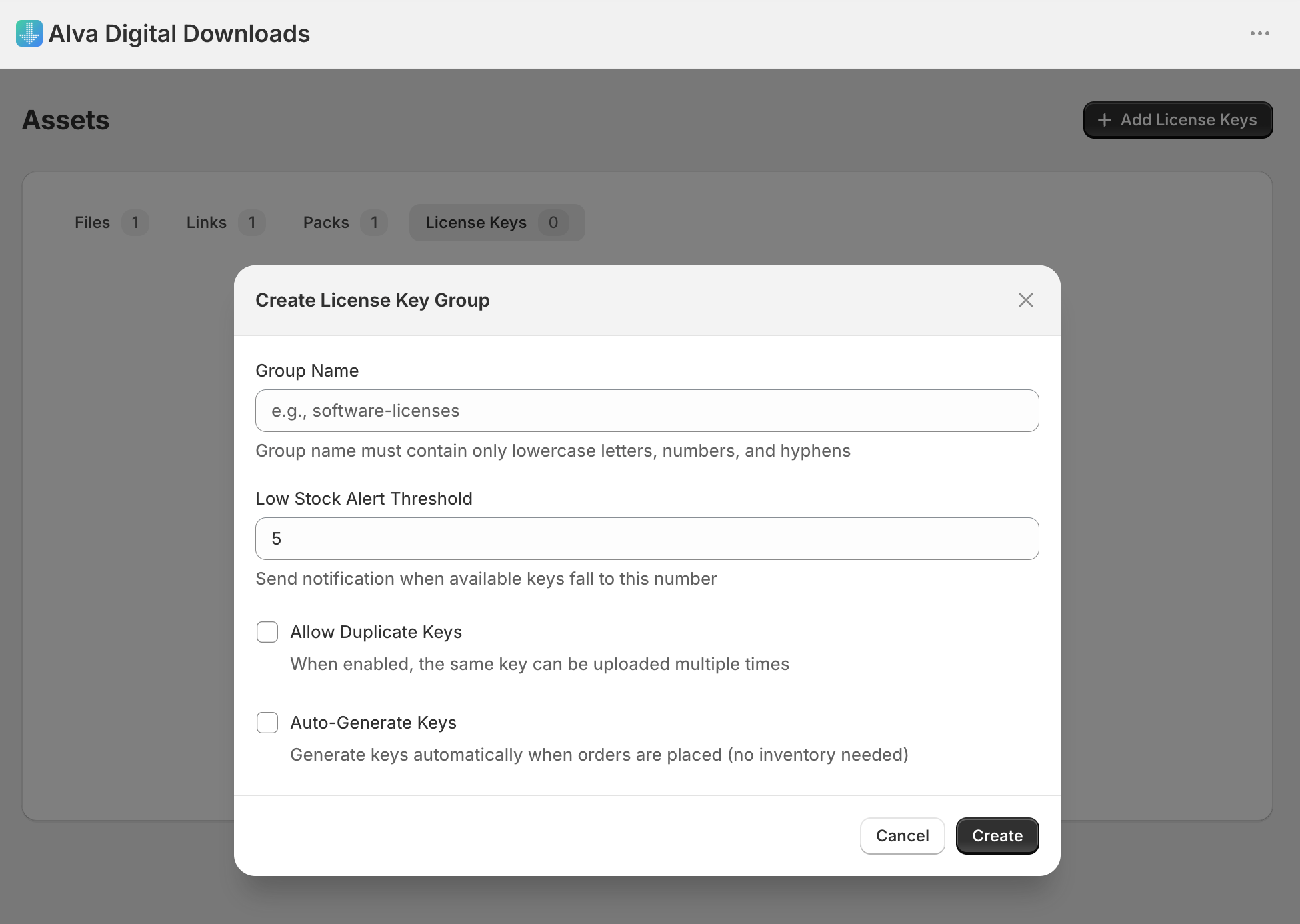
- Re-upload files and license codes. Upload source files in Alva. For SendOwl license-code products, reformat codes into Alva's CSV layout and import via License keys → Import CSV.
- Map products and tag license keys. Attach files on the Alva product page, then map license-key tags so Alva auto-assigns one key per future order.
- Backfill Shopify orders via the importer below. Orders SendOwl handled outside Shopify cannot be imported and need manual resends.
Backfill historical orders
Alva ships three importers under the Orders area: Etsy, WooCommerce, and a Shopify orders CSV importer at Orders → Import historical orders. The Shopify importer is the right choice for any order that flowed through Shopify checkout. See Import historical Shopify orders into Alva for the full walkthrough.
The importer recreates Customer and Purchase rows from a standard Shopify CSV, matching products by SKU or title. It skips delivery emails, fraud checks, and license-key assignment, so large imports do not pummel customer inboxes. After import, customers resend links from the customer-account page, or you resend from the order detail.
Honest limitations
- Sky Pilot streaming URLs do not transfer. Alva delivers files for download, not gated streaming. For URL-only access (e.g. a Vimeo link), use Alva's link selling instead.
- SendOwl license codes need re-uploading. Reformat into Alva's CSV layout — one key per row, with optional tag and notes columns.
- Download counts reset. Alva counts from import time forward. Old usage logs stay in the previous app's database.
- Old emails keep dead links. Once the source app is uninstalled, links inside historical emails stop working. Expect a small spike of resend requests.
FAQ
Do download links from my old app keep working during the migration?
Yes, while the previous app stays installed. Old links break only after you uninstall it. Run both apps in parallel until backfill is complete.
Will Alva email every past customer when I import historical orders?
No. The Shopify orders importer skips emails, fraud checks, and license-key assignment by design. Customers receive new links only when they request a resend or visit the customer-account page.
Can I keep my old delivery emails by forwarding them?
Old emails stay in customer inboxes but their links die when the previous app is uninstalled. Plan to resend from Alva for any customer who reports a broken link after cutover.
See also
Was this helpful?
Last updated 2026-05-06