What stops on the next email send
Custom email domains are gated behind paid plans. Alva re-checks your active plan on every email send, so the next delivery after a downgrade goes out from the default Alva sender — even if your DKIM record is still verified. Your custom domain configuration is kept, so upgrading later restores your branded sender without redoing DNS verification.
What stays grandfathered
- Files, packs, and product mappings remain exactly as they were. If your new tier has a lower upload quota and you are over it, existing files keep working but new uploads are blocked until you delete enough to fit, or upgrade again.
- License keys already assigned to past orders stay assigned. New auto-assignment may stop if license-key features sit above your new tier — keys for new orders queue as unassigned until you upgrade.
- Customer downloads continue to work. Existing purchase links, customer-account file lists, and Order Status download buttons are not gated by plan. Customers who bought on a higher tier are not affected by the downgrade.
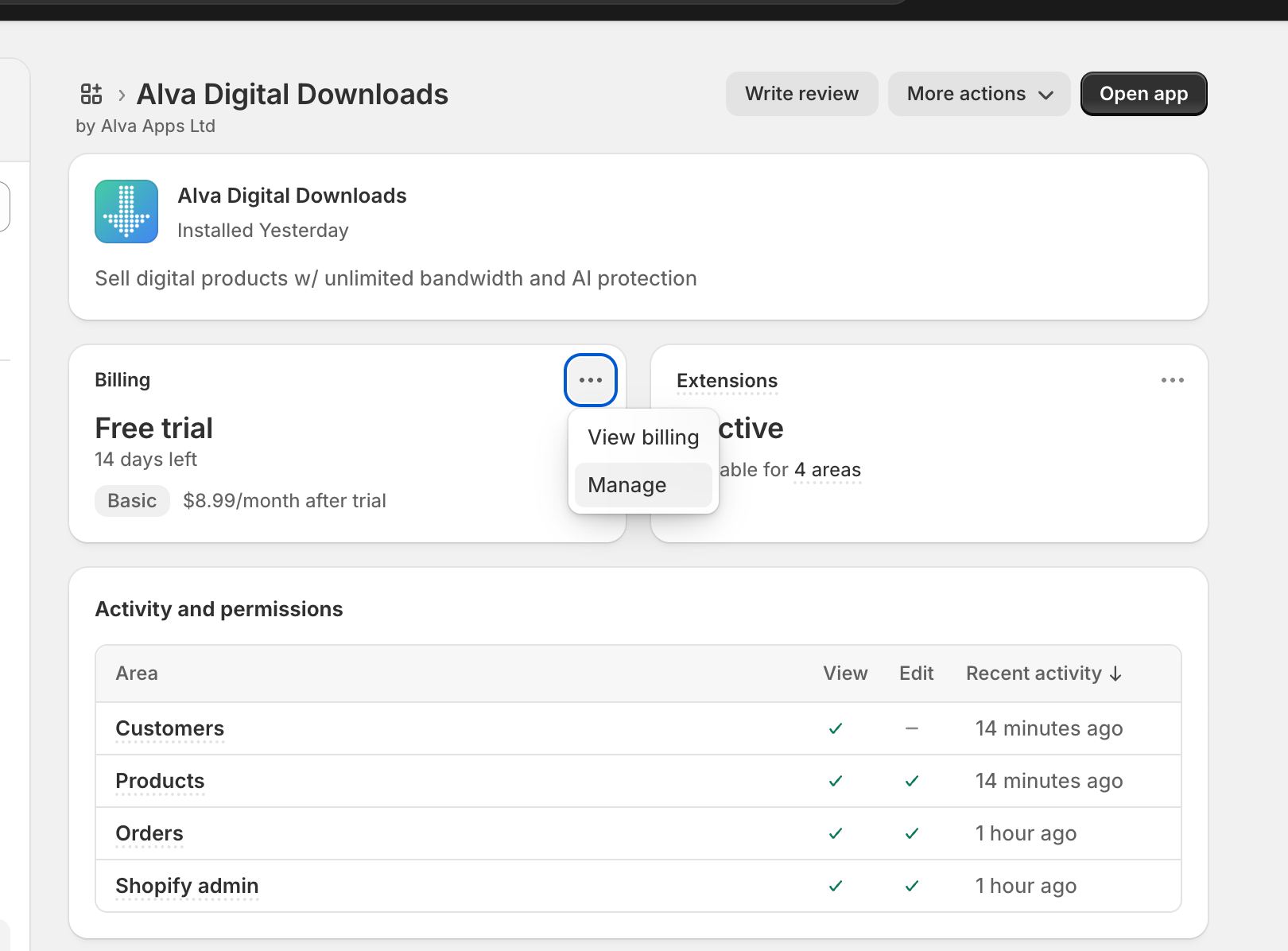
Note: Shopify, not Alva, prorates your billing. Charges land on your usual app subscription cycle. To check exactly which features sit on which tier before you switch, open the comparison below.
See also
Was this helpful?
Last updated 2026-05-06