Per-plan caps
| Plan | Storage | Bandwidth |
|---|---|---|
| Free | 1.5 GB | Unlimited |
| Basic | 35 GB | Unlimited |
| Pro | 350 GB | Unlimited |
| Enterprise | 1.5 TB | Unlimited |
Why bandwidth is unlimited
Alva Digital Downloads uses a storage provider with zero egress fees, which is why bandwidth is unlimited on every plan. Most competitors (Filemonk, Sky Pilot, SendOwl) meter bandwidth because their storage providers charge per gigabyte downloaded. Alva does not, so a 5 GB video delivered to 10,000 buyers costs the same as delivering it once.
What counts toward storage
Storage usage is the sum of every file uploaded to the Files page, every pack-cache ZIP that has been generated, and every personalised file created for an individual order. Cached pack ZIPs auto-rebuild when a pack changes, so they stay in sync with the source files but do count against the cap while they exist.
What happens at the cap
When usage reaches 100% of the plan cap, Alva shows a storage-full banner on the Files page and disables the Upload, Bulk Upload, and New Pack buttons. Existing files keep delivering and customer downloads are unaffected — only new uploads are blocked. Lifting the cap by upgrading or freeing space re-enables the buttons immediately.
How to free up storage
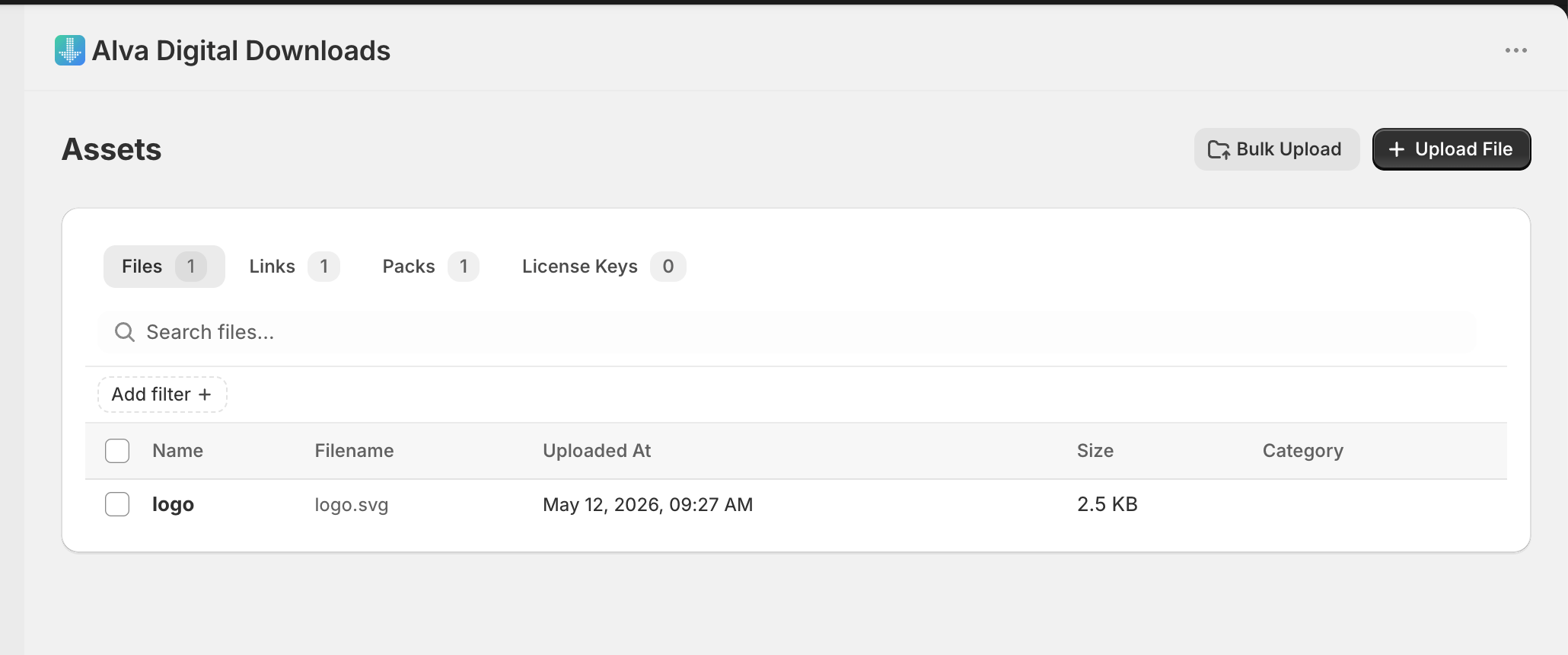
Open the Files page; each row shows a last used date — the most recent download or order that referenced the file. Sort by oldest first, delete files that are no longer mapped to any product, and remove abandoned drafts. Pack ZIPs in the cache rebuild automatically, so deleting a single source file inside a pack reduces both the file and the cache footprint.
See also
Was this helpful?
Last updated 2026-05-06